
How it Works · Dashboard
Finish the job knowing what was agreed and what’s owed.
The Dashboard shows the work you’ve agreed, the money still owed and the changes your customers approved, with reports when you want them on paper.
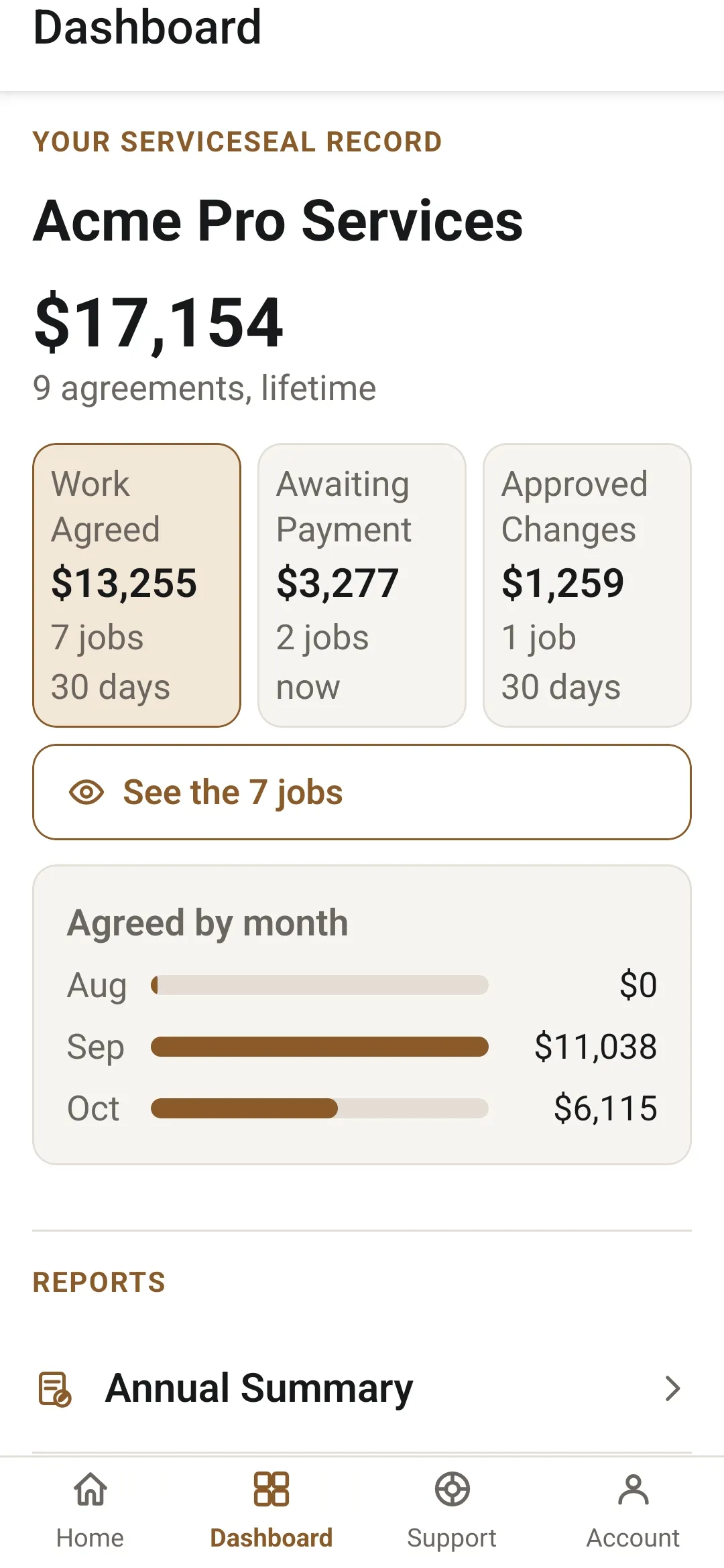
Three tiles
The money and the work, at a glance.
Work Agreed
The work your customers agreed to in the last 30 days, with the last three months as a chart.
Awaiting Payment
What is owed to you right now, and how long each amount has been waiting.
Approved Changes
The changes your customers approved in the last 30 days, priced and agreed while they were current, with the last three months as a chart.
Tap a tile, then See the jobs, for the list behind the number.
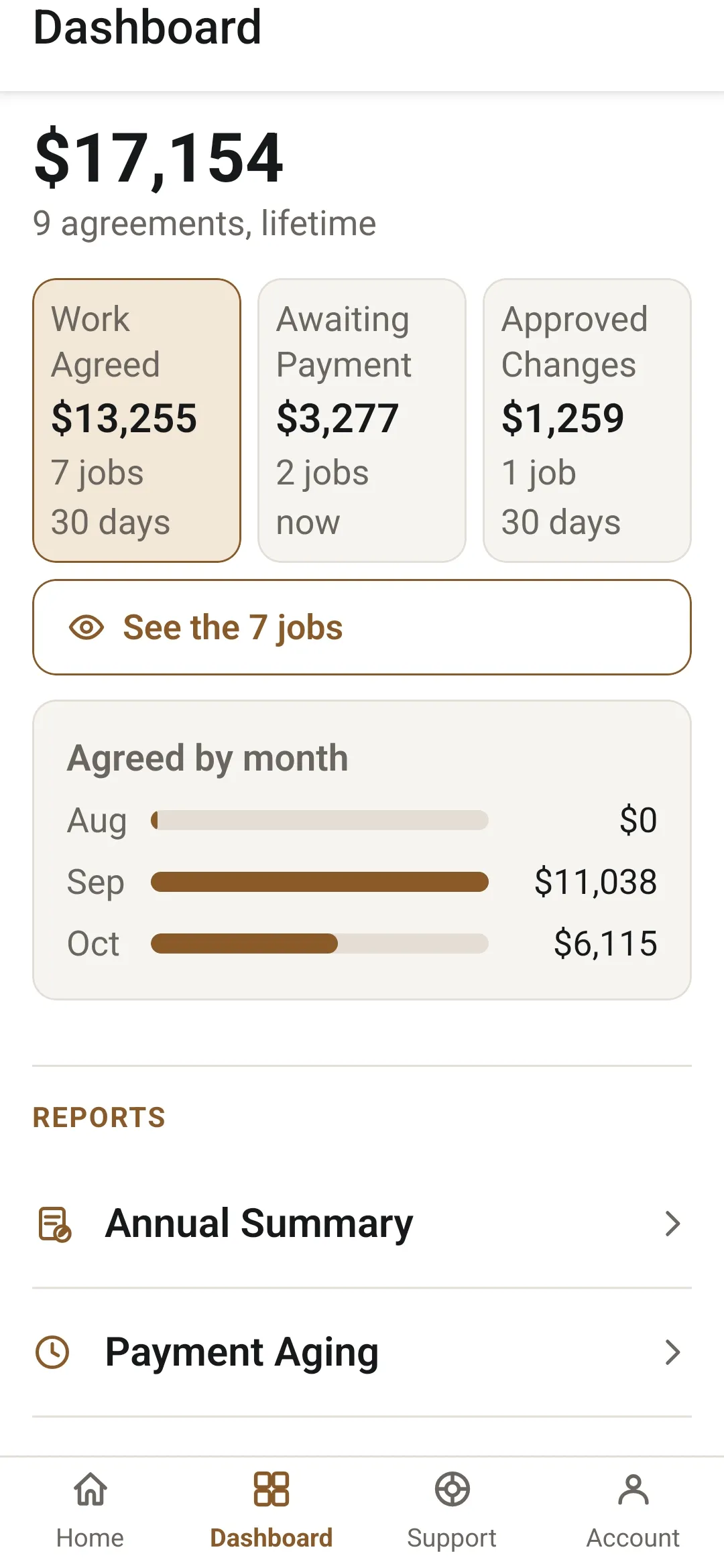
Reports
Two reports, as PDFs.
Annual Summary
What an accountant or lender asks for: the year’s work, with tax broken out and the approved changes inside it.
Payment Aging
What’s still owed, oldest first, so the top of the page is the call to make first.
The Home tab
Every job, where it stands.
The jobs themselves live on the Home tab, in four piles: Drafts, Sent, Agreements and Closeout, with an archive for the finished ones. The Dashboard sits beside it, with Support and Account.
Every job should do more than pay once. It should help you win the next good job.
21 days, no card needed.

Coming soon to the App Store.